Using the Terminal
You can also update the appliance TLS certificate from the terminal.
Open a Terminal Session
Cockpit is available on port 9090 at https://<your_appliance>:9090.
Log in with your credentials and open Terminal from the menu.
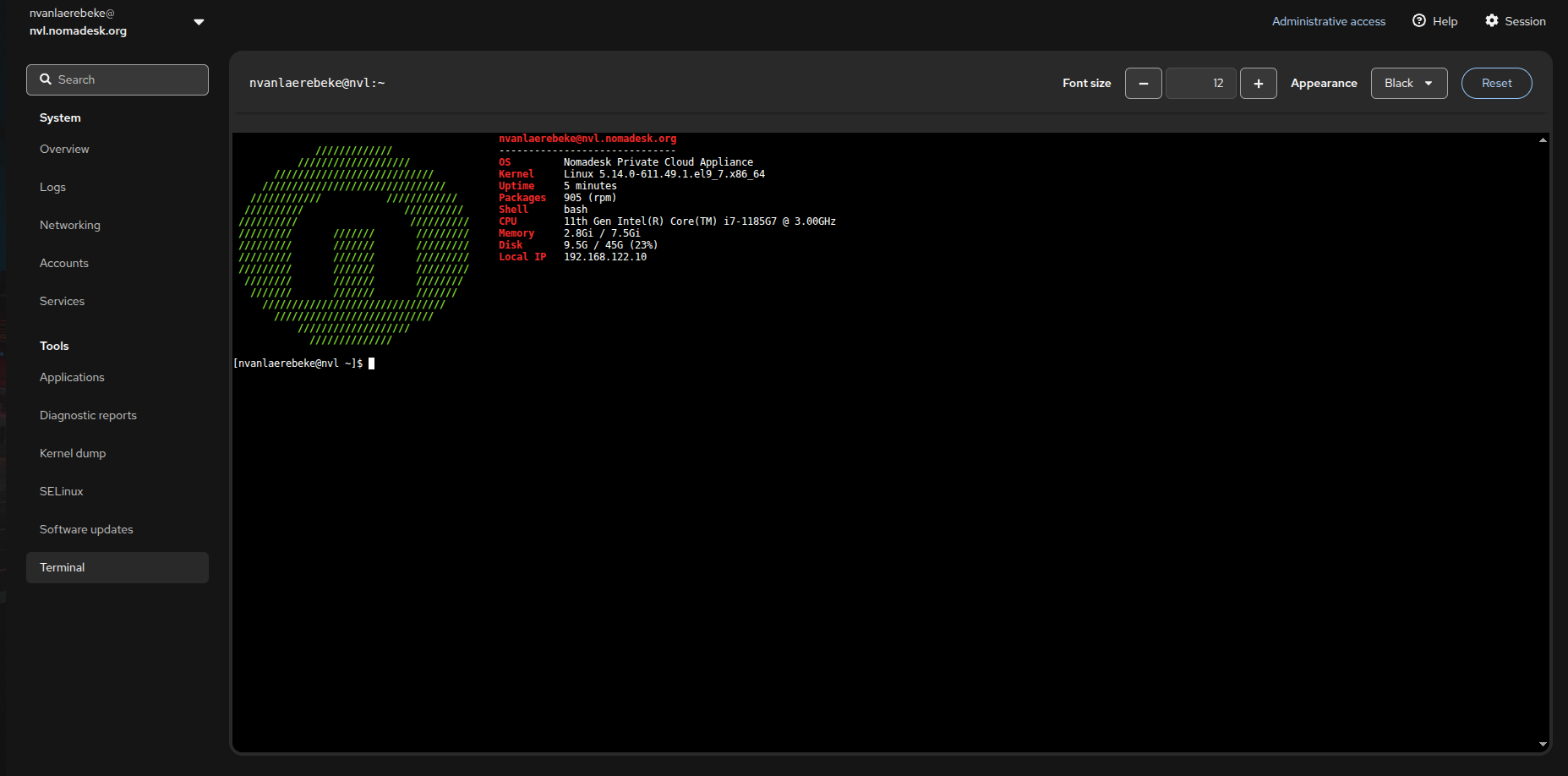
You can also use another terminal client, such as PuTTY or KiTTY, and log in to the appliance with your management interface username and password.
Update the TLS Secret
Switch to the root user:
sudo su -
To verify if the certificate is expired, you can run the following command:
kubectl get secret tls-secret \
  -n nomadesk \
  -o jsonpath='{.data.tls\.crt}' | base64 -d | openssl x509 -noout -dates
This will return you the date range teh certificate is valid for, example:
notBefore=Mar 25 02:21:05 2026 GMT
notAfter=Jun 23 02:21:04 2026 GMT
Now to update the certificate, make sure the new full chain certificate and private key are available on the appliance, for example as:
/root/tls.crt/root/tls.key
Update the existing Kubernetes TLS secret with the following command:
kubectl create secret tls tls-secret \
  --cert=/root/tls.crt \
  --key=/root/tls.key \
  -n nomadesk \
  --dry-run=client -o yaml | kubectl apply -f -
If the certificate and key are valid, the updated certificate should be applied automatically.
If the change is not applied immediately, restart the appliance and verify the certificate again.
Management interface Certificates
Do not skip this part, otherwise it is possible the old certificate might get pushed to the environment at some point.
First make sure sqlite is installed
dnf install sqlite
Now update the certificate in database:
PUB=$(base64 -w0 /root/tls.crt)
PRIV=$(base64 -w0 /root/tls.key)

sqlite3 /mnt/data/etc/installer.db <<SQL
UPDATE configuration
SET value = '$PUB'
WHERE name = 'certificate.public_key';

UPDATE configuration
SET value = '$PRIV'
WHERE name = 'certificate.private_key';
SQL
After restarting the UI the new certificate will be used:
systemctl restart nomadesk-installer